 HinterOS
Controller only
Use a controller for all of the system: the installer, Home, Store and Settings. The Guide button always opens Home.
A NixOS-based Linux distribution with a controller interface for gaming and media.
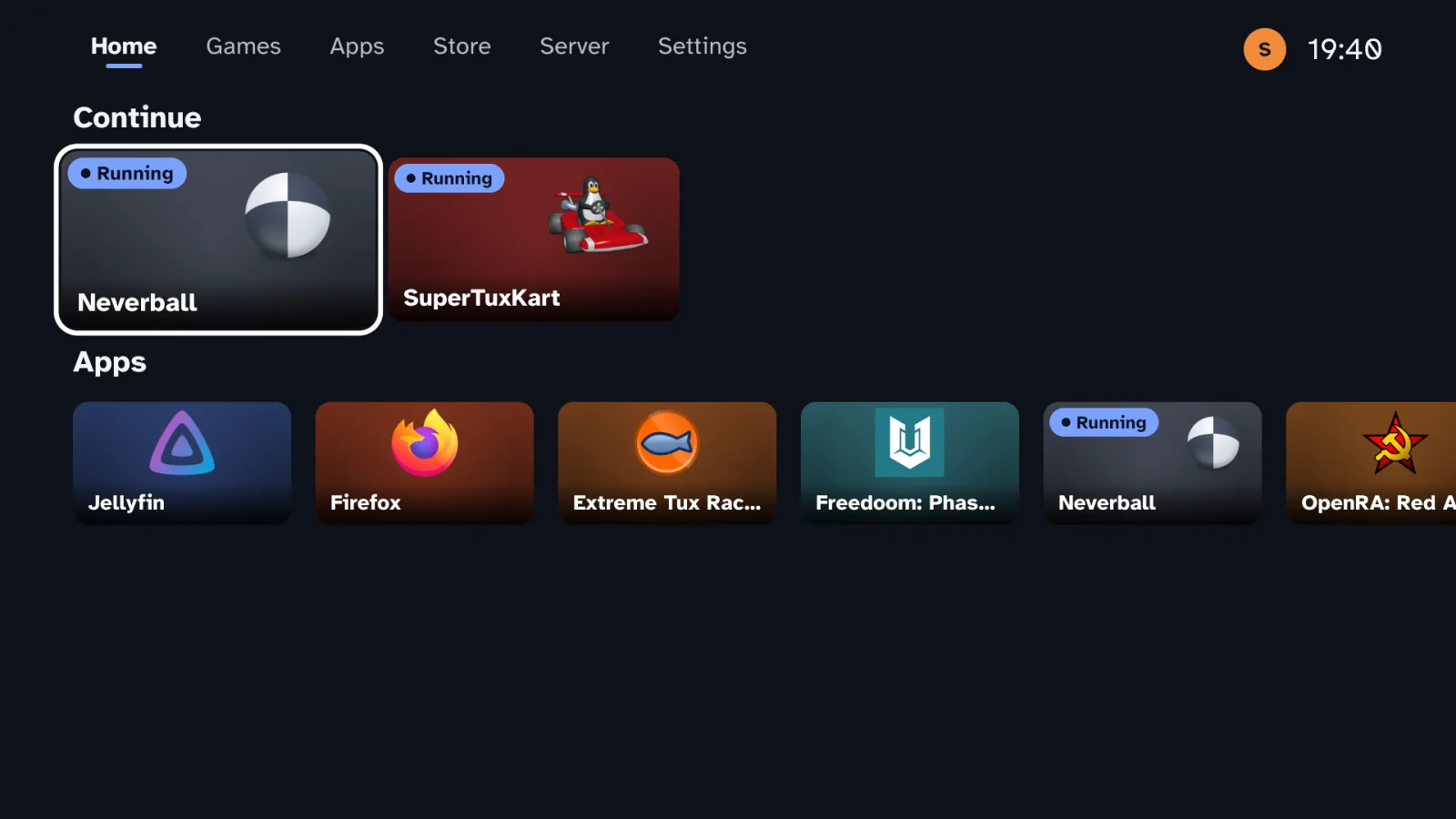
Use a controller for all of the system: the installer, Home, Store and Settings. The Guide button always opens Home.
Each person has a profile with its own apps, Steam library, settings and PIN. A guest profile is deleted when the computer restarts.
Each app can see only its own files. An app can use the microphone, Downloads, the controller or the local network only with your permission.
Install apps and games from a curated store. Your Steam games show in Games, next to the other games.
Watch media with the Jellyfin and Plex apps. You can also run a Jellyfin or Plex Media Server on the same computer.
In web apps such as Firefox, the right stick moves a pointer. Hold Guide and push Y to open the on-screen keyboard.
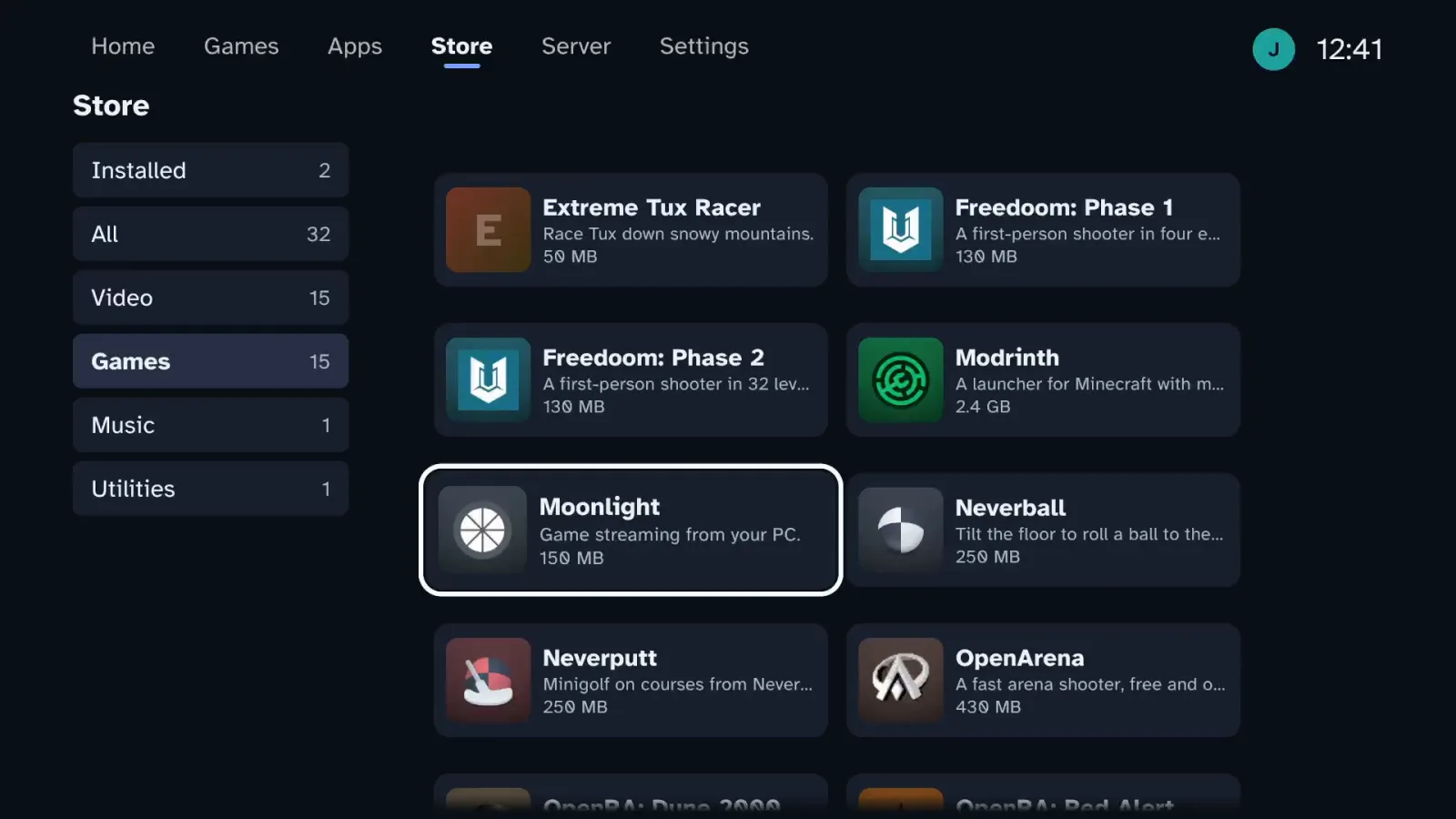
The Store has a curated list of apps and games, in categories. Each profile installs its own apps.
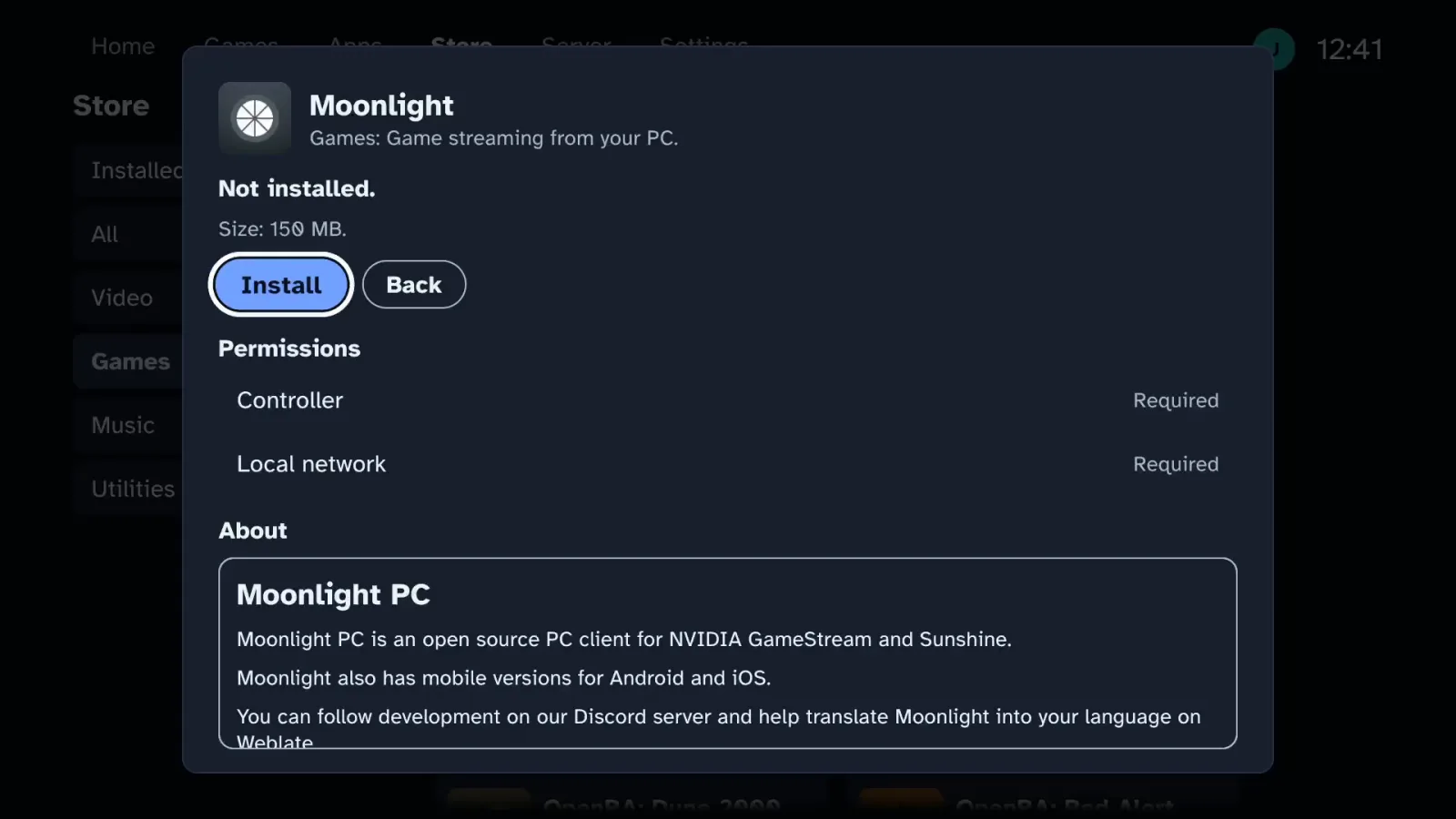
Each app page shows the size of the app and the permissions that it needs. Apps run in a sandbox and use only the permissions that you give them.
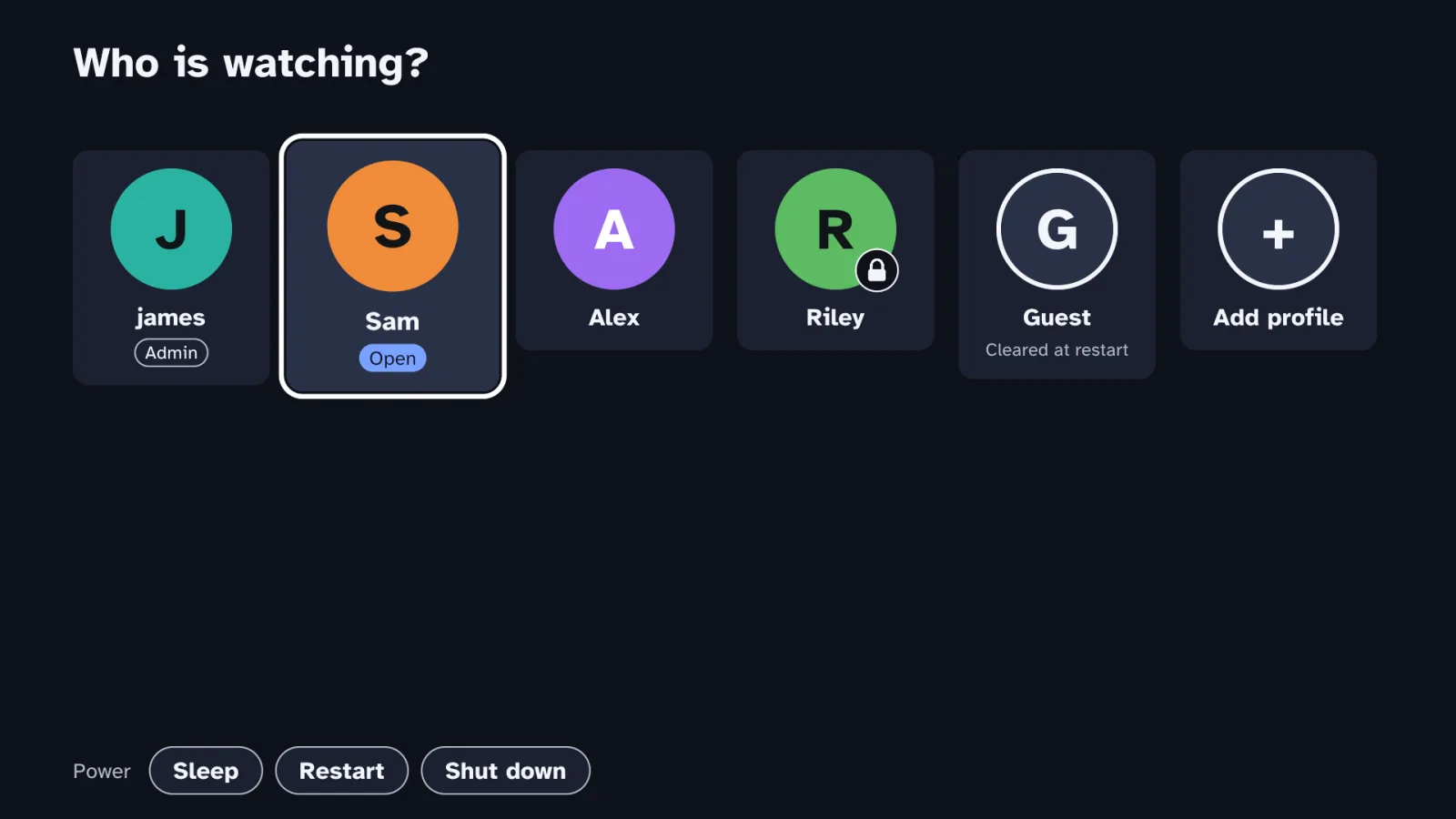
Each person has a profile with its own apps, Steam account and settings. A PIN can lock a profile. The box clears the Guest profile when it restarts.
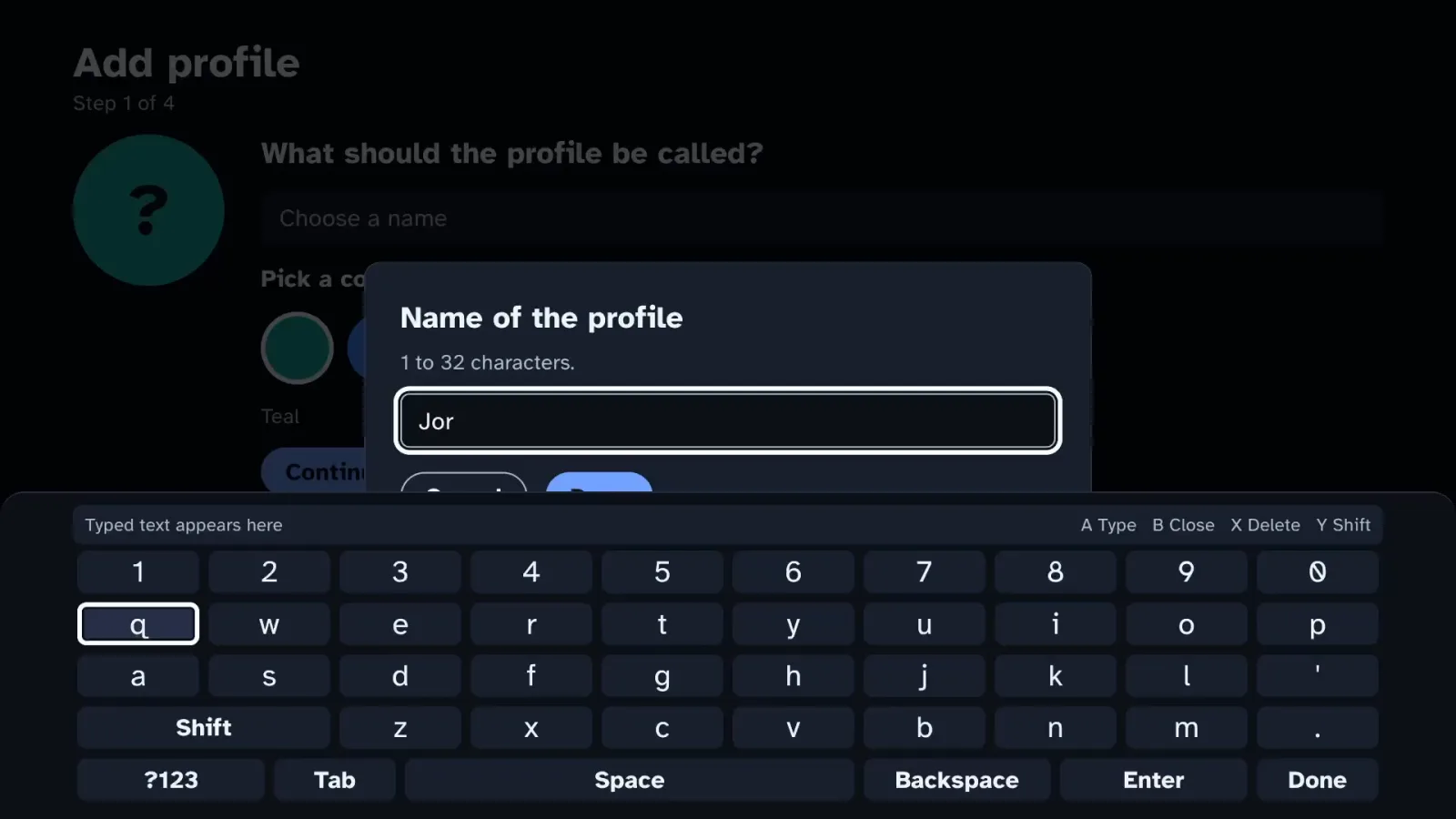
Type with the controller. The keyboard opens when a text field needs text.
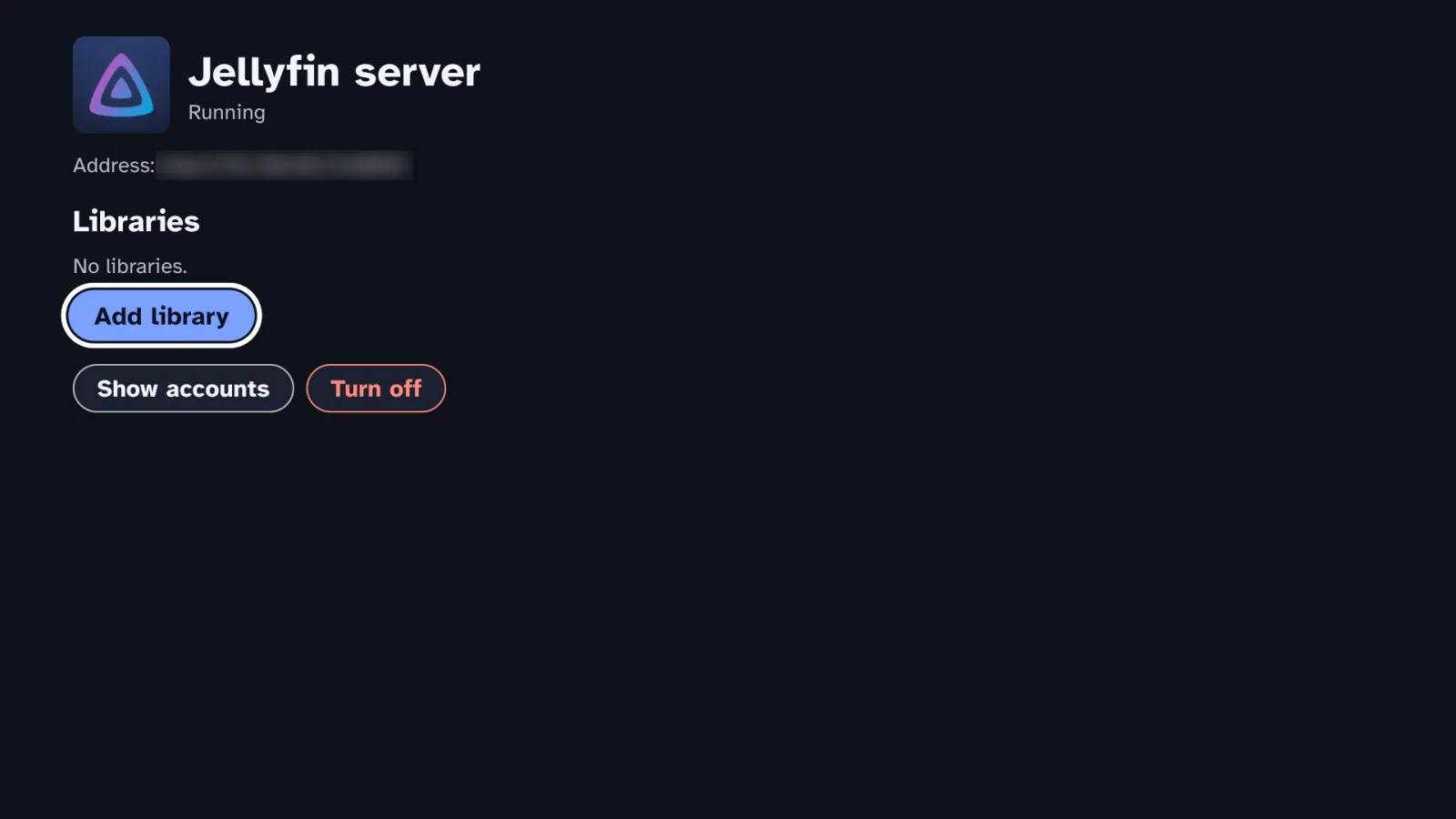
The box can run a Jellyfin server for the other devices in your home.
HinterOS is a layer of NixOS modules and an overlay on nixpkgs. It is not a fork.
nixos-unstable. Each channel (stable, beta and main) is one locked flake./etc/hinteros/state.json, keeps all the settings of a box.Two Rust services control the system. The launcher contains no system logic.
hinteros-session runs as the user. It controls input, apps, audio, display, Wi-Fi and Bluetooth.hinteros-system runs as its own account, not as root. It controls settings, updates, rollback and app installs.InputPlumber takes the physical controllers and gives virtual controllers to the system.
gamescope runs the session. A Flutter launcher is the home app.
Each app from the Store runs in a Bubblewrap sandbox with a system call filter.